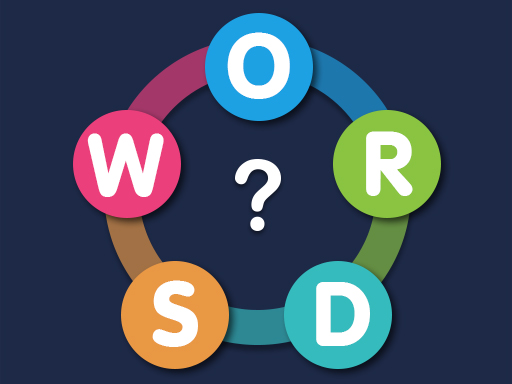
Sea of Words is a peaceful puzzle game where you connect letters to form real words, all set against a soothing underwater theme. With over 5000 levels, each level feels fresh and thoughtfully designed, offering a steady rhythm of challenge and reward. The game is especially fun because it blends word recognition with a relaxing visual style—like floating coral and gentle waves—making it perfect for short breaks or quiet moments.
What makes it stand out is how smoothly it combines word puzzles with intuitive gameplay. You don’t just guess letters—you actually form real words, which gives your brain a gentle workout. As you progress through levels, you find hidden bonus words that reward you with coins, adding a small sense of achievement. The underwater progression theme helps keep the experience engaging without being overwhelming.
How to play
- On desktop, click and drag your mouse across the letters in the correct order to form a word.
- On mobile, drag your finger across the letters to connect them.
- When you form a correct word, the crossword cells fill automatically.
- Complete all required words to finish the level.
- Find bonus words to earn extra coins.
- Use a hint if you get stuck and can’t figure out the next word.
Tips
- Start by spotting common prefixes or suffixes like “un-” or “-ed” to help you guess the right words.
- Look for bonus words hidden in the grid—they often appear in less obvious spots.
- Don’t rush—take your time to spot patterns, especially in longer levels.
FAQ
- Is Sea of Words free to play? Yes, it is completely free.
- Can I play it on my phone or tablet? Yes, it works perfectly on mobile devices.
- Do I need to download or sign up? No, it runs in your web browser with no download or sign-up required.
Play Sea of Words free on Asup in your browser—no download, no sign-up, just calm word puzzles beneath the waves.