
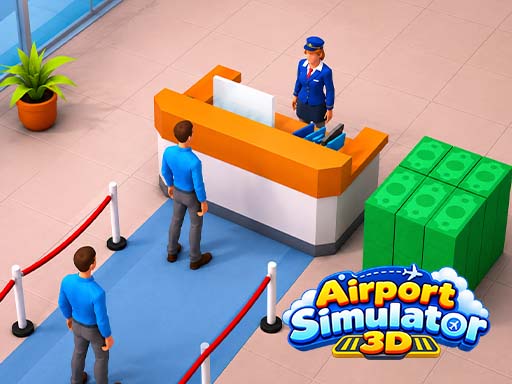
Airport Simulator 3D is a fun and engaging skill game where you grow a tiny airport into a busy aviation hub. You manage everything from check-in to boarding, making sure planes leave on time and passengers stay happy. The game blends strategy and quick decision-making, offering a satisfying experience as you watch your airport expand and thrive.
It’s a smooth, addictive game that keeps you focused on solving small tasks—like moving passengers or clearing queues—while building your airport from scratch. With a simple interface and intuitive controls, it’s easy to pick up and play, making it ideal for short bursts of fun or relaxing after a long day.
How to play
- Use W, A, S, D to move around the airport on desktop.
- Swipe across the screen on mobile devices to move your character in the desired direction.
- Approach work areas like check-in, baggage, and boarding to complete tasks.
- Serve passengers, manage queues, and ensure planes depart on time.
- Collect profits and use them to buy new counters, halls, and upgrades.
Tips
- Keep an eye on queues—long lines slow down operations and reduce profits.
- Upgrade services early to speed up processes and improve passenger flow.
- Invest profits wisely in key areas like check-in or boarding to boost efficiency.
FAQ
- Is it free? Yes, Airport Simulator 3D is completely free to play.
- Can I play on mobile? Yes, it works on phones and tablets with swipe controls.
- How do I win or score? You earn profits by serving passengers and running smooth operations—there’s no score, but your success is measured by airport growth and efficiency.
Play Airport Simulator 3.com free on Asupergame—no download, no sign-up, just pure fun in your browser.