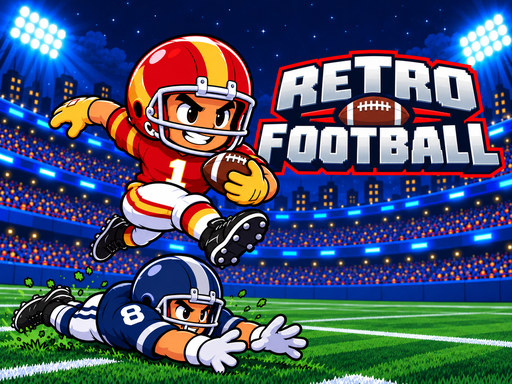
Retro Football is a quick, punchy take on American football that feels like a classic arcade game. With pixel-art graphics and simple, responsive controls, it captures the excitement of live action in just a few short minutes. Each match is about 7 minutes long, giving you plenty of time to play again or battle a friend—no long waits, no setup. The game focuses on raw action: snap, move, throw, dive, or hurdle—all with one button. It’s the kind of game you can dive into during a break or after a long day, with no distractions or delays.
What makes Retro Football fun is its balance of speed and strategy. You pick a play, then execute it in real time with smooth, intuitive moves. Whether you're tackling a defender or throwing a pass to an open receiver, every action feels immediate and satisfying. The short matches and variety of 32 teams keep the gameplay fresh, and the chance to go head-to-head with a friend on the same keyboard adds a personal, competitive edge.
How to play
- Use arrows or W A S D to move; Space to snap, throw, dive, or hurdle
- Hold Up or Down to pick a receiver; use arrow keys to select a play card
- Click a play card (mouse) or tap it (touch)
- Press P to pause, M to toggle sound
Tips
- Practice picking plays early to get used to which ones work best in different situations
- Use the receiver selection to stay in sync with your movement and timing
- Stay alert—each play ends quickly, so quick reactions are key
FAQ
- Is Retro Football free? Yes, it’s completely free to play.
- Can I play on mobile or tablet? Yes, it works smoothly on phones and tablets.
- How do I win? You win by scoring more points than your opponent during the 17-week season or in a head-to-head match.
Play Retro Football free on Asupergame—no download, no sign-up, just pure arcade fun in your browser.